
Can Sentry Ignore Issues in One Environment?

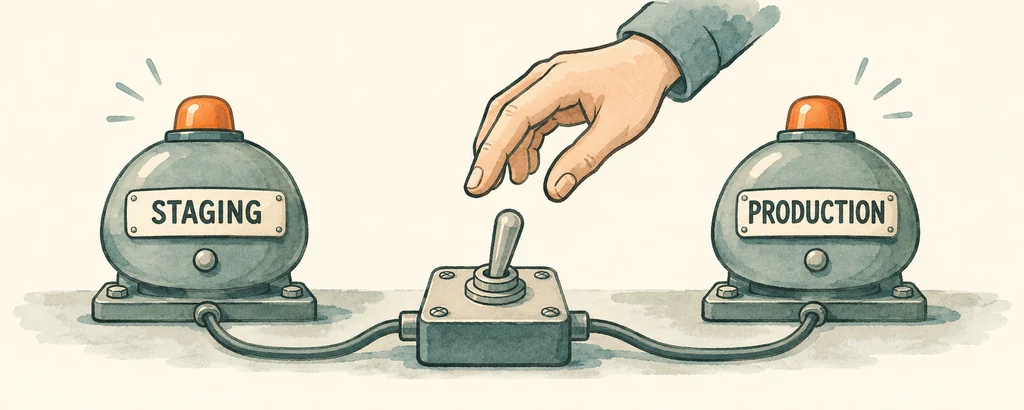
No. Sentry does not offer a per-environment ignore or archive action for an issue. You cannot archive an error in development while leaving the same issue active in production. The feature request, opened in March 2019, remains open when checked in November 2026.
Sentry can filter what you see by environment, restrict alerts to production, or drop selected errors before they are sent. Those options solve different parts of the problem. None gives an existing issue a separate ignored status in each environment.
The missing action
Suppose your staging environment uses a sandbox payment service. A particular failure is expected there, so you don’t want to keep triaging it. The same failure in production would mean customers cannot pay.
You want to say: ignore this error in staging; tell me if it happens in production.
That is the distinction behind issue #12341. Its author describes an error that can be ignored in development but must still be tracked in production, including when it reappears as a regression.
Sentry’s issue status documentation says an issue has one status at a time. Archiving changes that issue’s status and pauses its alerts. Selecting an environment does not create a separate copy of the issue with its own status.
Ignore or archive?
Older Sentry discussions call the action Ignore. The current interface calls it Archive, with options including forever, a period of time, or until the issue escalates.
The Archive documentation explains that archiving forever still records incoming events, but prevents the issue from escalating. It is a way to stop acting on an issue, rather than a way to stop collecting its events.
Archiving a shared issue is too broad if you still need production alerts for it. The environment selector changes the data you are looking at; it does not make that archive action local to the selected environment.
Production-only alerts
If the problem is notifications, an environment restriction may be enough. Sentry’s
alert configuration
lets you select an environment for an alert. Choose production for the rules that should notify your production
channel, and check other rules that might still cover all environments.
This lets you keep staging errors available for investigation without sending those alerts to the production channel. The issue itself stays active: you have changed notification routing, not its triage status.
This also doesn’t create a second issue lifecycle. If your rule only triggers on a new issue, don’t assume an error first seen in staging will become a new issue again when it reaches production. Choose and verify the alert trigger for the behavior you need.
Dropping expected errors
If you don’t need to retain the expected staging events, filter them in the SDK. Sentry documents
beforeSend as a hook that
can inspect an error event and return null to discard it before sending.
Make the condition specific: the expected error AND the staging environment. A global error-message filter could discard the production failure too. Conversely, disabling Sentry entirely in staging would also lose the unexpected staging errors you still want to find.
The trade-off is that discarded events are unavailable for later investigation. SDK filtering also requires an application configuration or code change; it is not an ignore button you can click while triaging an existing issue.
Keeping separate issues
If you need to retain events and triage each environment independently, separate projects provide a harder boundary. Staging and production would send to different project DSNs, with separate issues and alert configuration. That also means maintaining those projects separately.
Another approach is to include the environment in a custom fingerprint. Sentry’s fingerprinting documentation explains how to extend default grouping with extra values. Adding the environment would split future events into distinct groups, so you could archive the staging issue independently.
That changes grouping, rather than adding per-environment status to the existing issue. It also splits the history you would otherwise see together. If that is too much machinery for “ignore this one error here”, the original request is still the relevant feature to follow.