
Sentry-SDK compatible
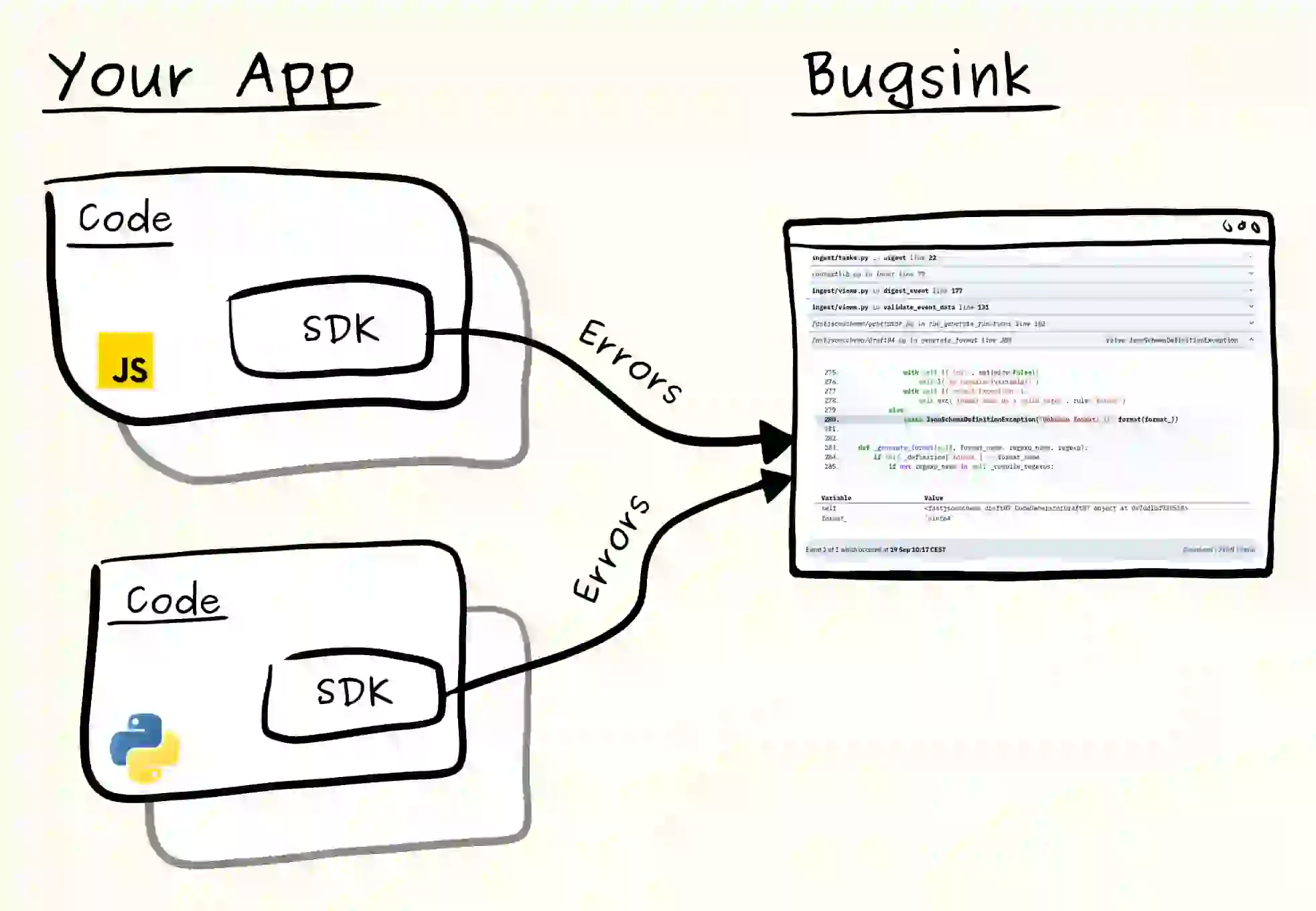
Bugsink tracks and displays your application’s errors in a central location. With respect to the reporting of errors, think of Bugsink’s architecture as having two parts: the client and the server.
In this context, your application is the client, where the errors occur, and Bugsink is the server, which receives and processes the error reports.
For your application to actually take on the role of the client and report errors, it needs to be connected to Bugsink. This is done by adding an “SDK” (a small library which is specific to your programming language or framework) to your application. This SDK sends error reports to the Bugsink server, where they are processed, organized, and displayed.
Sentry SDKs
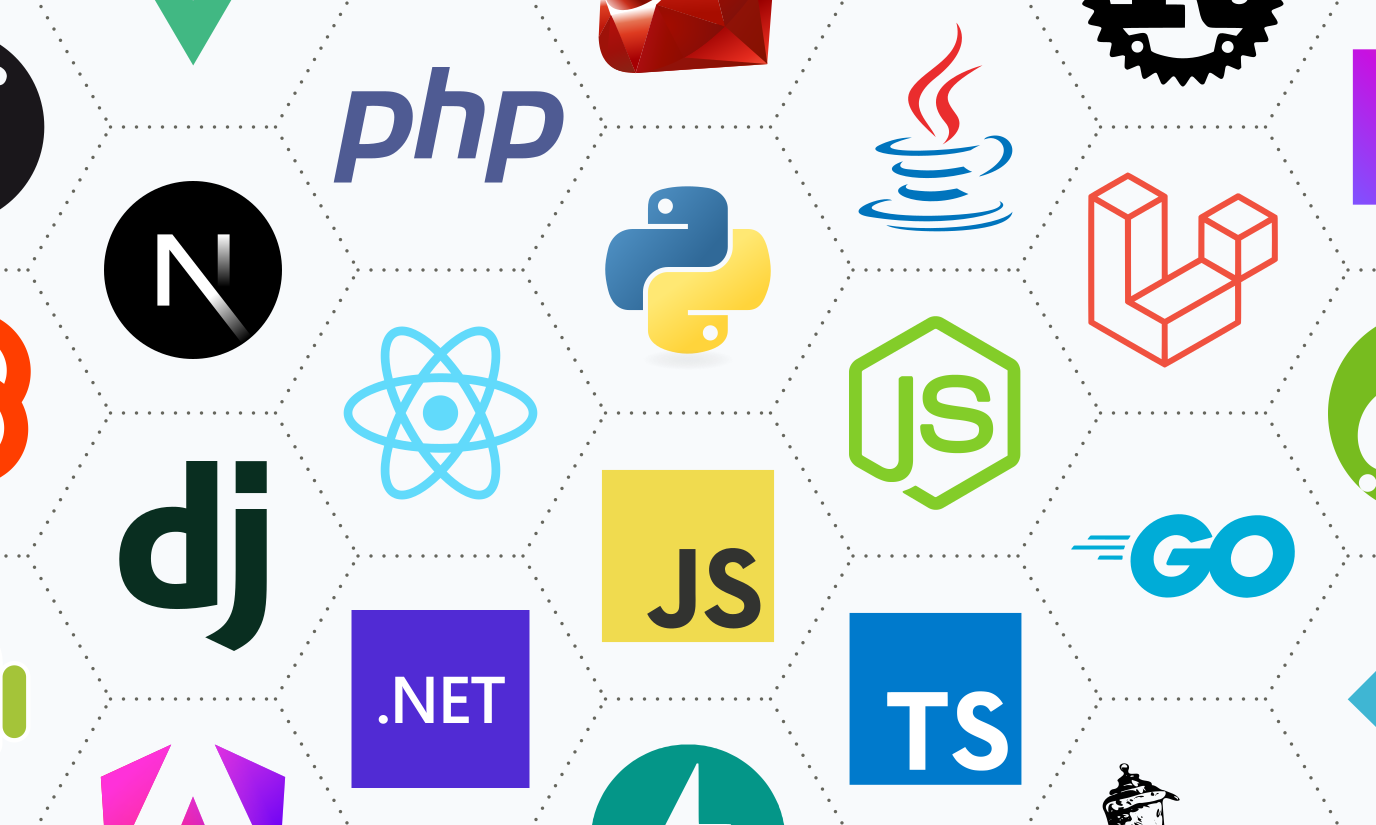
Bugsink works with the open-source Sentry SDKs. These are mature, actively maintained libraries for Python, JavaScript, PHP, Go, Ruby, Java, .NET, native applications, and many other platforms.
You do not need to use Sentry itself. Install the SDK for your application, configure it with the DSN from your Bugsink project, and your errors are sent to Bugsink.
Already using one of these SDKs? Keep it. In most cases, moving to Bugsink only requires changing the DSN.
Compatibility
Sentry-SDK compatibility is a core part of Bugsink. Bugsink implements the error-reporting side of the protocol spoken by these SDKs, so the normal upstream packages work without Bugsink-specific forks or patches. Bugsink deliberately focuses on error tracking rather than reproducing every Sentry product.
We test this using real applications. The SDK is installed through its normal package manager, the application produces a real error, and the resulting event is checked in Bugsink. This covers ordinary error events as well as platform-specific flows such as browser source maps and native minidumps. Within that scope, SDK compatibility is something we actively maintain: when a supported SDK can no longer send a valid error to Bugsink, we treat that as a Bugsink bug.
Platforms & languages
Pick what your application is actually built with. There are currently 71 tested guides across 12 SDK families, including 60 framework and runtime integrations.
The list runs from plain language SDKs to web frameworks, workers, browser apps, and native crash reporting. In other words: you can start with the name you already use, rather than translating a generic SDK recipe first.
See all supported languages & frameworks →
Migrating from Sentry
If you’re currently using Sentry and want to switch to Bugsink, the process is straightforward:
- Keep your existing code — you don’t need to change how you report errors.
- Update your DSN — Bugsink gives you a DSN to configure the SDK. A DSN is a unique identifier that tells the SDK where to send error data. It’s a simple string that you can copy and paste into your application’s configuration (usually as an environment variable).
- Done! Errors now go to your Bugsink instance. There is no step three.
Reasons you might want to switch:
- Privacy — let us run Bugsink for you in the EU, or self-host it inside your own environment.
- Cost — the Bugsink pricing model is flat, with no event-based surprises.
- Focus — Bugsink is error tracking without the overhead of full APM.
We aim to make the transition as simple as possible. If you have any questions or need help, please feel free to reach out on Github or via Discord.
Many of our users have successfully migrated from Sentry to Bugsink, and we’re here to help you do the same.
Not Familiar with Sentry?
Not familiar with Sentry? There’s no need to be!
Bugsink is designed to be compatible with Sentry, but you don’t need to know anything about Sentry to use it. In fact, we believe that getting started with Bugsink is easier than with Sentry, because we’ve streamlined the onboarding process and made the setup as simple as possible.
Sentry happens to be very popular error tracking tool, and we’ve built Bugsink to be compatible with it so that you can benefit from the same ecosystem of SDKs and integrations.
You don’t need to run or use Sentry to benefit from this ecosystem. Bugsink receives and processes the same events, using the same SDKs, whether we run it for you or you self-host it. Integration is typically just a few lines of configuration.
Conclusion
Bugsink is compatible with Sentry’s open source SDKs, which are available for most popular programming languages. This compatibility allows you to use the same SDKs you would with Sentry, with no patching or forks required. We actively follow SDK developments to maintain compatibility over time.
If you’re currently using Sentry and want to switch to Bugsink, the process is straightforward. You can keep your existing code, update your DSN, and you’re done. Errors now go to your Bugsink instance.
Furthermore, you don’t need to be familiar with Sentry to use Bugsink. We’ve streamlined the onboarding process and made the setup as simple as possible. Bugsink is designed to be compatible with Sentry so that you can benefit from the same ecosystem of SDKs and integrations.
Try Bugsink for free. We take care of hosting, upgrades and backups.